
Video Compressor & Converter
TarrySoft
Downloads
10,000,000+
Version
Latest
Click to download now, finish the installation quickly, and directly unlock the all-round experience
Screenshots
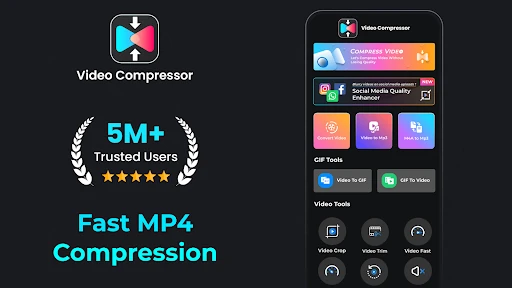
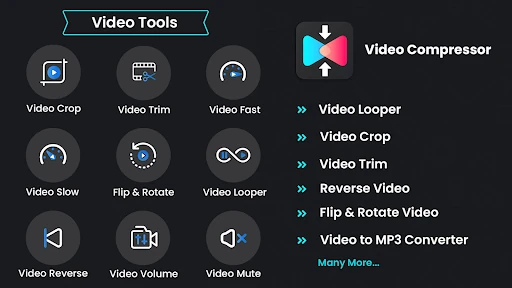
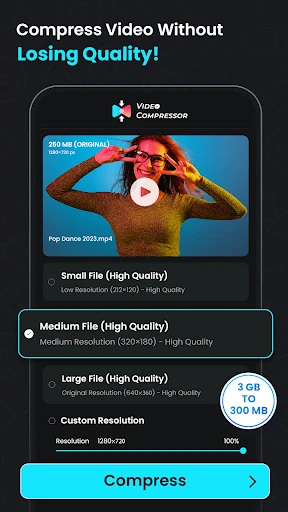

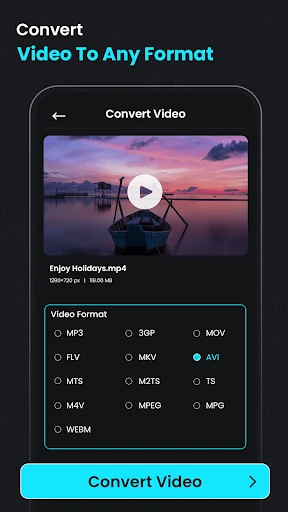
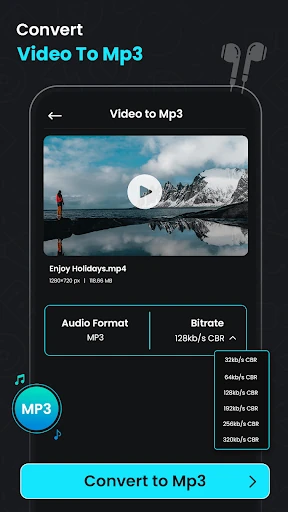
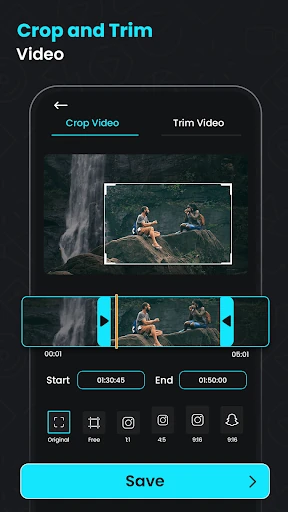
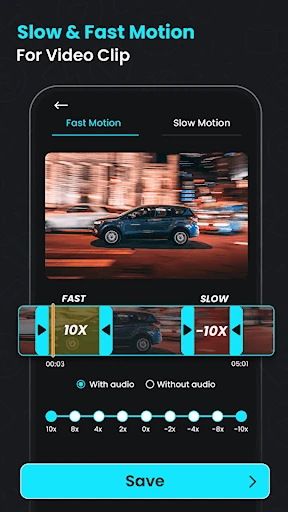
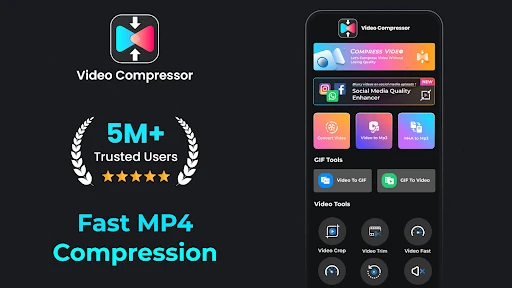


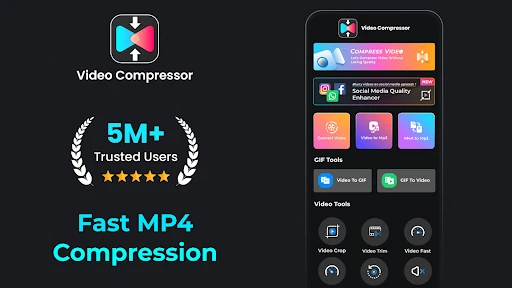
Click to download now, finish the installation quickly, and directly unlock the all-round experience
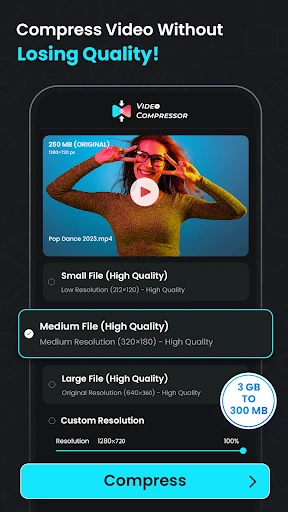
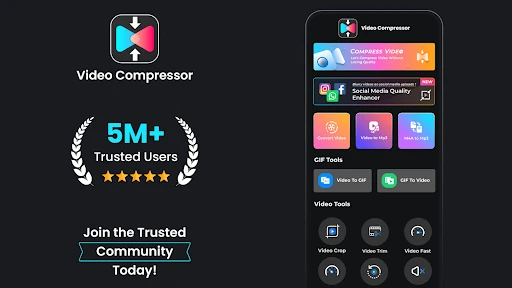
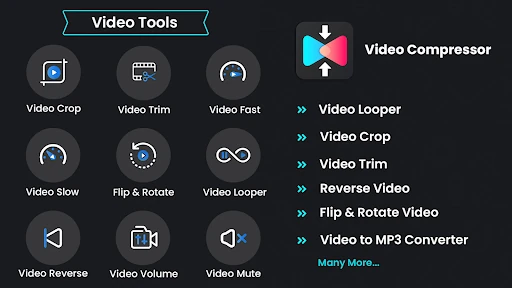
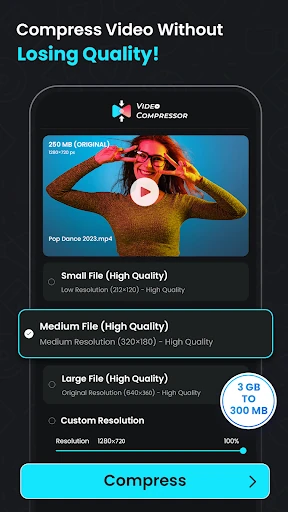
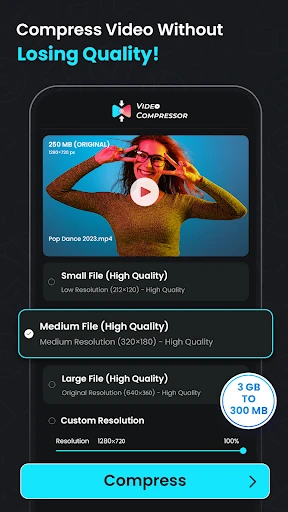
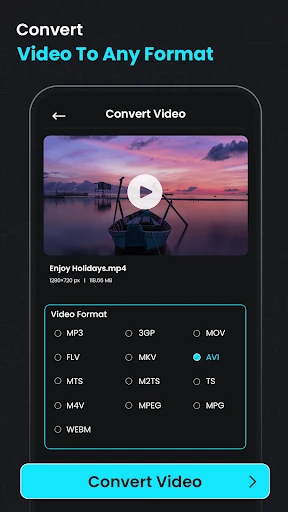
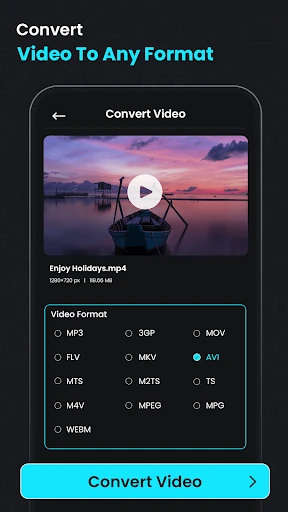
Video Compressor & Converter is a utility for reducing video file sizes and changing media into more convenient formats. It suits anyone managing large phone recordings, preparing clips for sharing, or trying to free up storage without opening a separate editor. The app is developed by TarrySoft and listed in Video Players & Editors.
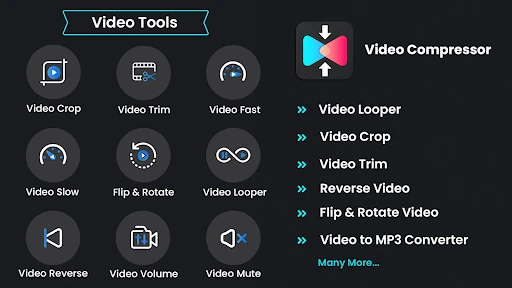
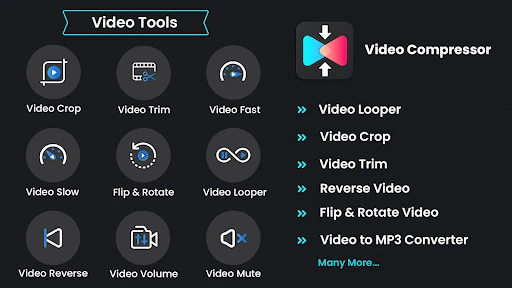
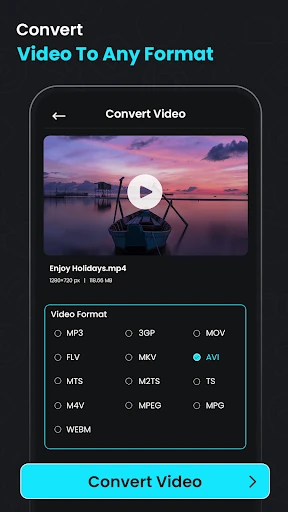
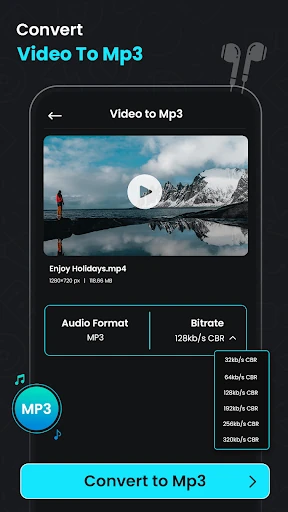
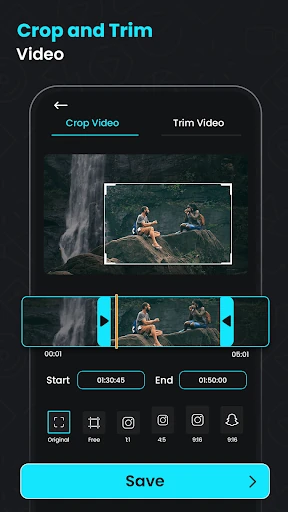
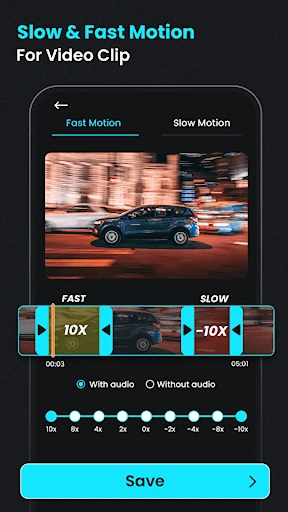
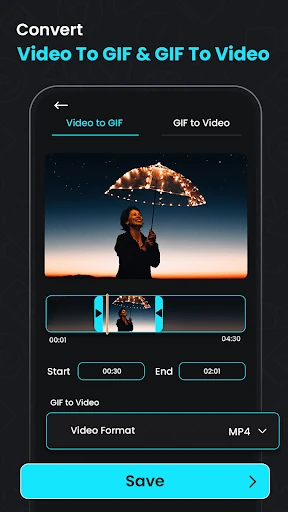
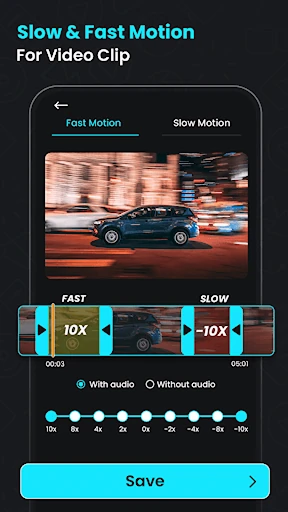
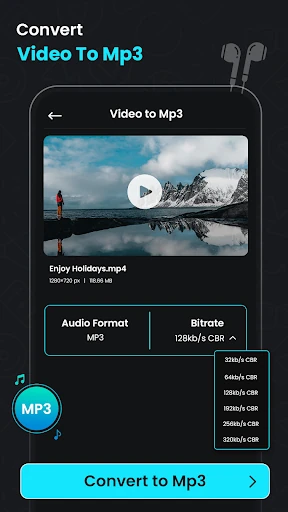
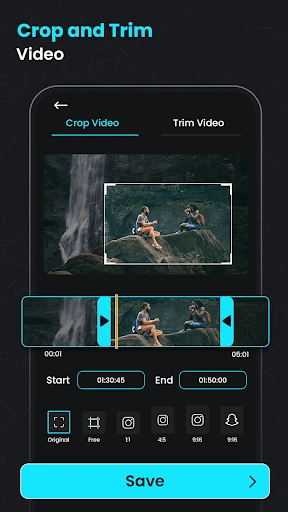
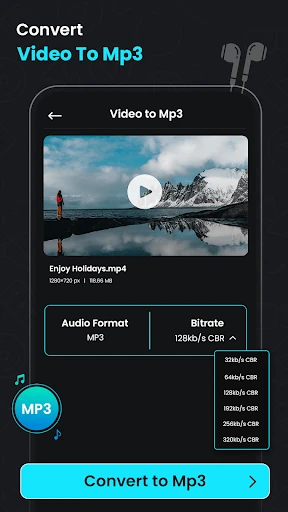
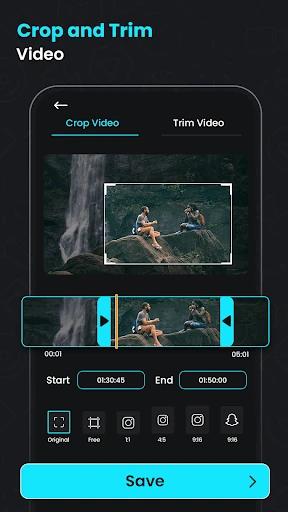
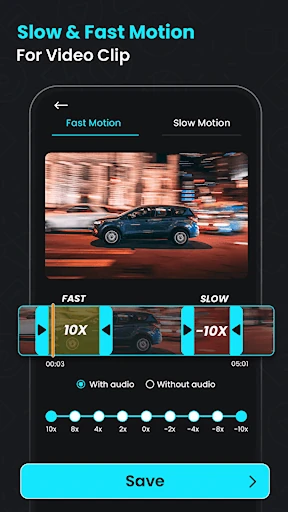
This is a practical choice for casual editors, content creators and anyone who needs several media tasks in one place. Its compression tools are useful when a recording is too large to share, while the conversion and audio extraction options cover simple format changes. The editing controls are focused rather than extensive, so it is better suited to quick adjustments than detailed production work.
The app has a 4.50 rating from 160,924 reviews and has recorded 10,000,000+ installs. Those figures show broad use, but they do not explain how the app handles every source file or compression setting. Reducing a video more aggressively can affect clarity, so output size and visual quality may need to be balanced for each clip.